Every operations leader knows the routine. You want to understand why wait times went up at one location, or which team is improving fastest, or what patterns you should be watching across your network. The data is there, sitting in your dashboards. But getting to the answer means exporting, comparing, building charts, and connecting dots across locations and time periods manually.
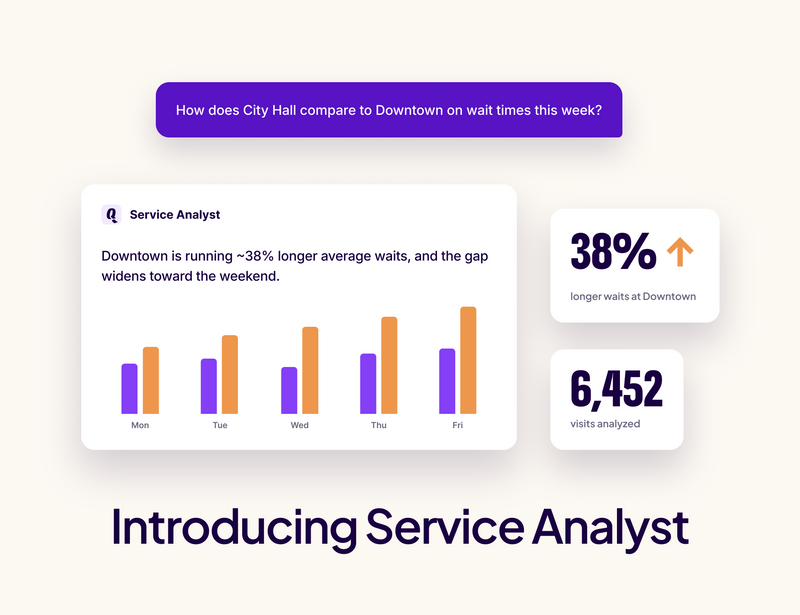
Most teams tell us the same thing: they have the data. What they don't have is the time to turn it into insight.
Today, we're launching Service Analyst, the first AI-powered analytical capability in Qminder.
What Service Analyst does
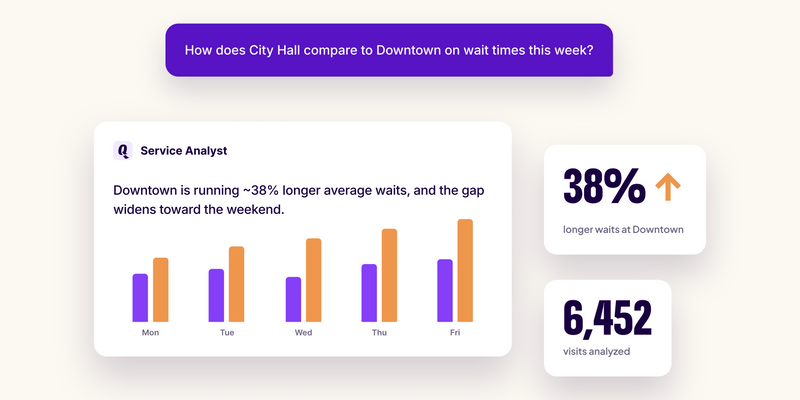
Service Analyst is the interpretation layer on top of Qminder's Service Intelligence. Your dashboards and reports track what's happening across your locations. Service Analyst picks up from there: it reads your data, connects signals across teams, locations, and time, and helps you understand what it all means.
You interact with it in plain language. Ask a question, get an answer, then go deeper with follow-up questions based on what you find.
What changes
Here are three scenarios where a Service Analyst shifts the work from manual to automatic.
Scenario 1: Cross-location comparison
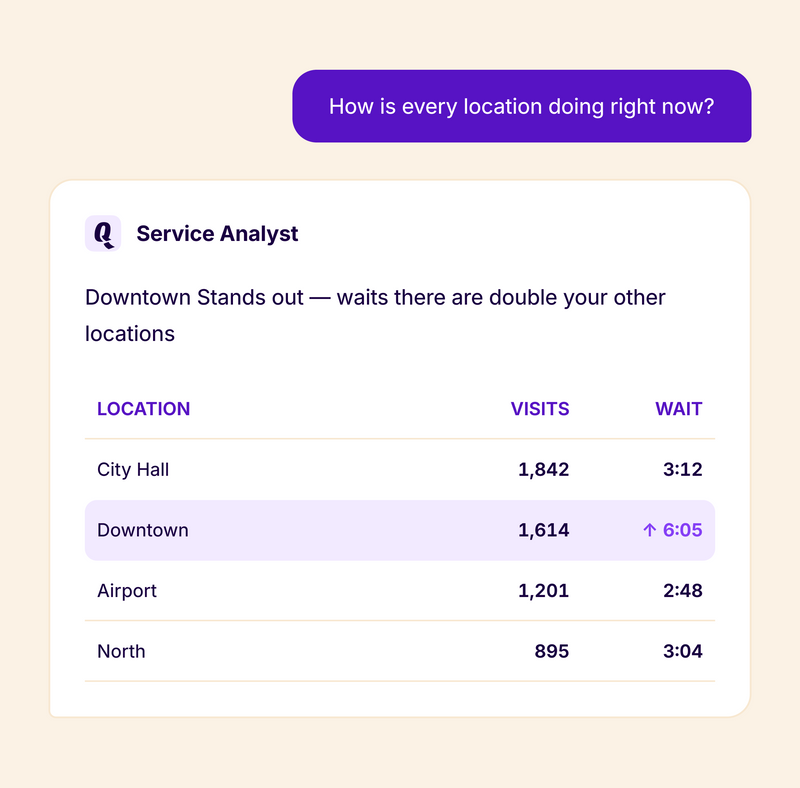
Before: You want to compare performance across five locations for the past month. You open each location's dashboard, note the numbers, drop them into a spreadsheet, build a comparison view, and look for patterns. Time: anywhere from 30 minutes to a few hours, depending on complexity.
With Service Analyst: "Compare average wait times and service times across all my locations for the last 30 days. Which location improved the most?" You get the comparison, the trend, and the standout, in one answer.
Scenario 2: Spotting what's changing
Before: Something shifted at Location B, but you're not sure what. You look at this week's numbers, then last week's, then the week before. You check staffing, service mix, volume. It's detective work, and it takes time you probably don't have on a Monday morning.
With Service Analyst: "What changed at Location B in the last two weeks compared to the previous period?" Service Analyst surfaces the shift and what's driving it, without you having to hunt through individual reports.
Scenario 3: Team performance patterns
Before: You want to understand which teams are handling volume well and where bottlenecks are forming. This means pulling data per team, per location, normalizing for volume differences, and comparing. It's the analysis that should happen regularly but often doesn't.
With Service Analyst: "Which teams have the longest average service times this month, and how does that compare to last month?" You get the pattern and the trend across your entire operation in seconds.
The pattern
In all three cases, the bottleneck isn't skill or data. It's time. The analysis that should happen regularly doesn't get done because the manual work of connecting data across locations, teams, and time periods is too slow.
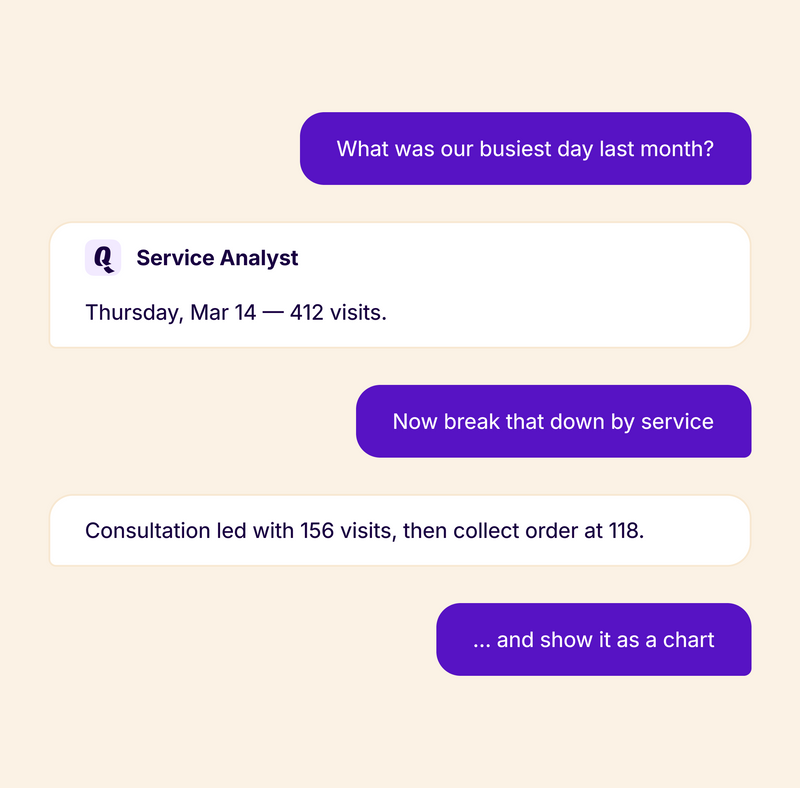
Service Analyst handles that work so your team can focus on acting on what it finds, not on producing the analysis.
Before | With Service Analyst | |
Cross-location comparison | Export, build spreadsheets, compare manually | Ask the question, get the comparison |
Spotting changes | Hunt through individual reports and time periods | Ask what changed, get the driver |
Team performance | Pull per-team data, normalize, compare | Ask the question, see the pattern |
Team focus | Data compilation | Acting on insights |
How it fits the Qminder platform
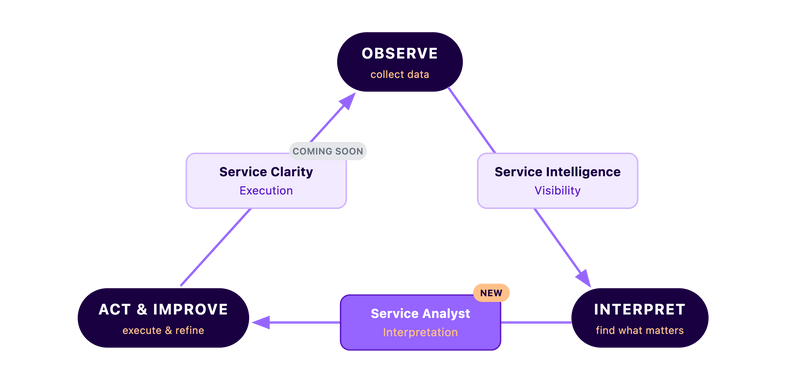
Service Analyst is part of a deliberate product architecture:
Service Intelligence (dashboards and reports) provides visibility: what's happening across your operations.
Service Analyst provides interpretation: what the data means, what's changing, and what deserves attention.
Service Clarity (coming soon for enterprise!) provides execution: turning insight into consistent frontline action at the moment of service.
Together, they form a loop: observe, understand, act, improve.
Your data stays yours
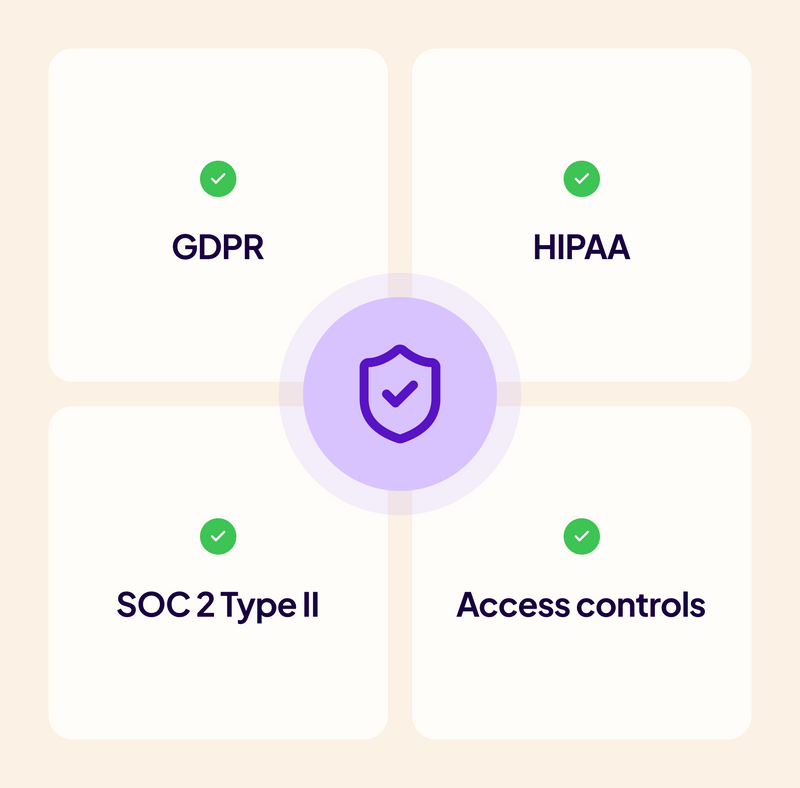
Service Analyst is built with data privacy as a non-negotiable:
Your data is never used for AI training
All Service Analyst activity is logged in the security log
Data stays within your account
No data leaves Qminder's infrastructure for analysis
For full details on how we handle AI compliance, visit our Service Analyst Compliance page.
Try it for 30 days
Service Analyst is available now as a 30-day trial with full access. No setup required. Open the Service Analyst tab under Data Insights and start asking questions.
Not sure where to start? Contact your account manager to get some guidance.
Reports show you the numbers. Service Analyst tells you what they mean.
Get to know the author

Aleksandra Sõsun Product Marketing Lead at Qminder
Get to know our solutions
We will give you a short but great overview of how Qminder can improve your business and visitors experience.
Try out Qminder for yourself and see how we can improve your business and visitors experience.